

-
Initialize the Project
Use our CLI command to generate the project structure:
This will create folders for workflows, nodes, and an optional pack.
-
Develop and Test
Edit your node and workflow files. Run the project locally:
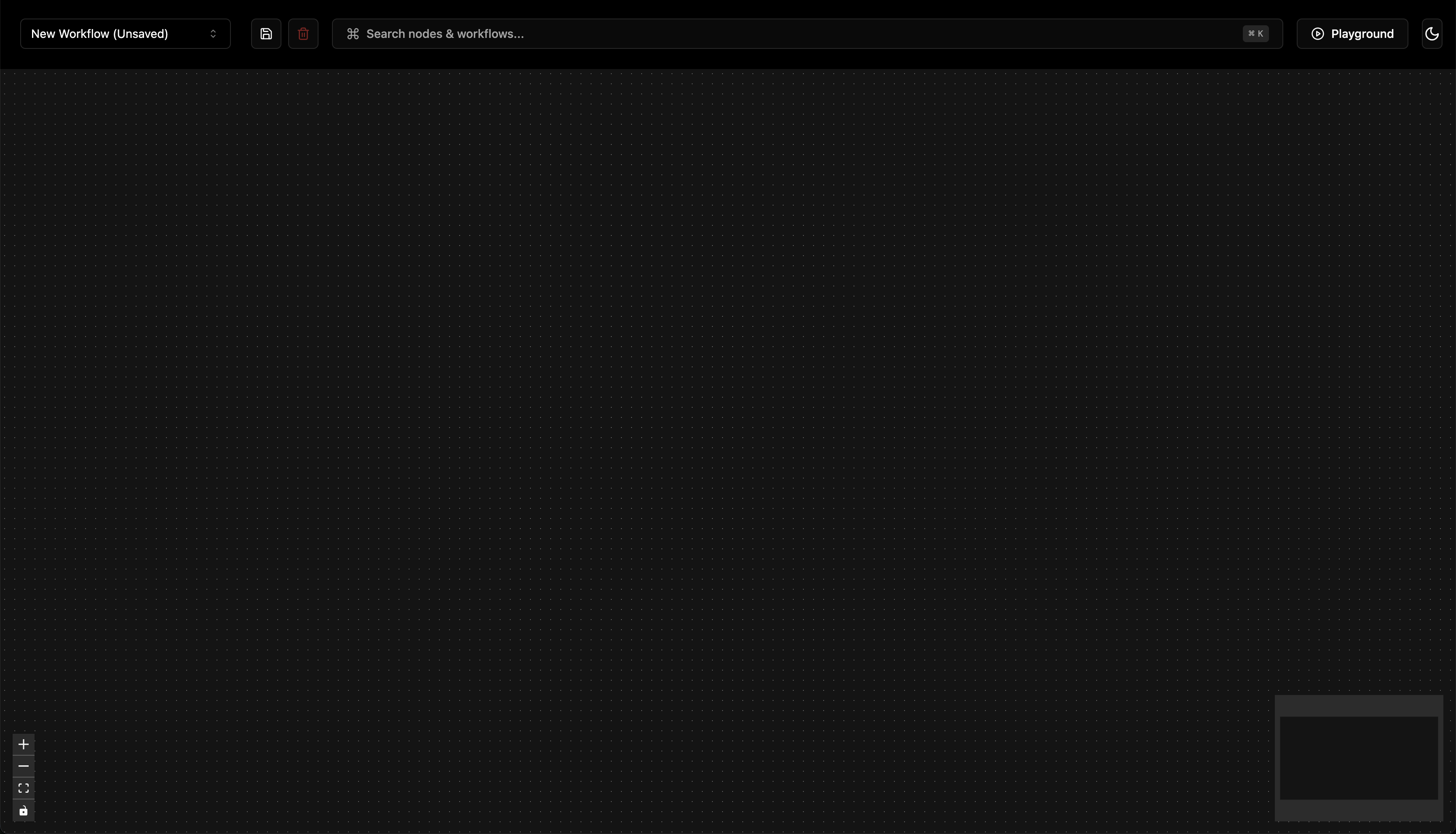
The UI will be available at http://localhost:8114The server will hot-reload as you make changes to the code
How To Guides
How to Start a Pipeline‑UI Project
Follow these steps to create a new Pipeline‑UI project from scratch: